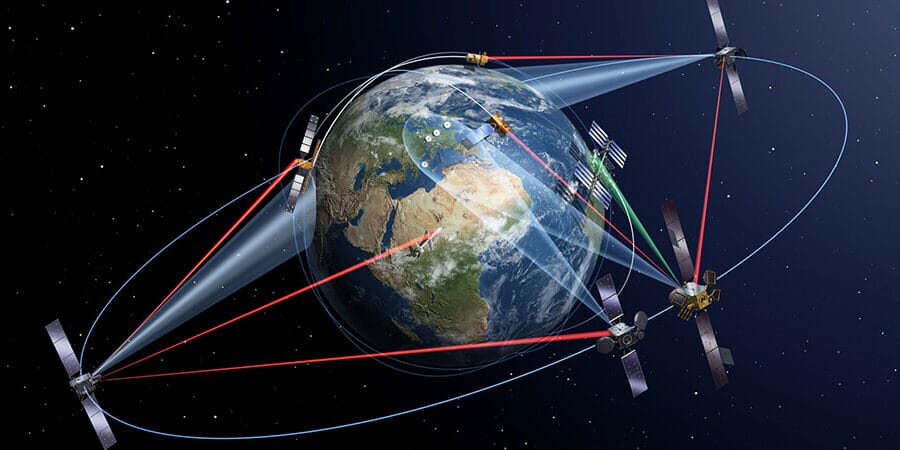
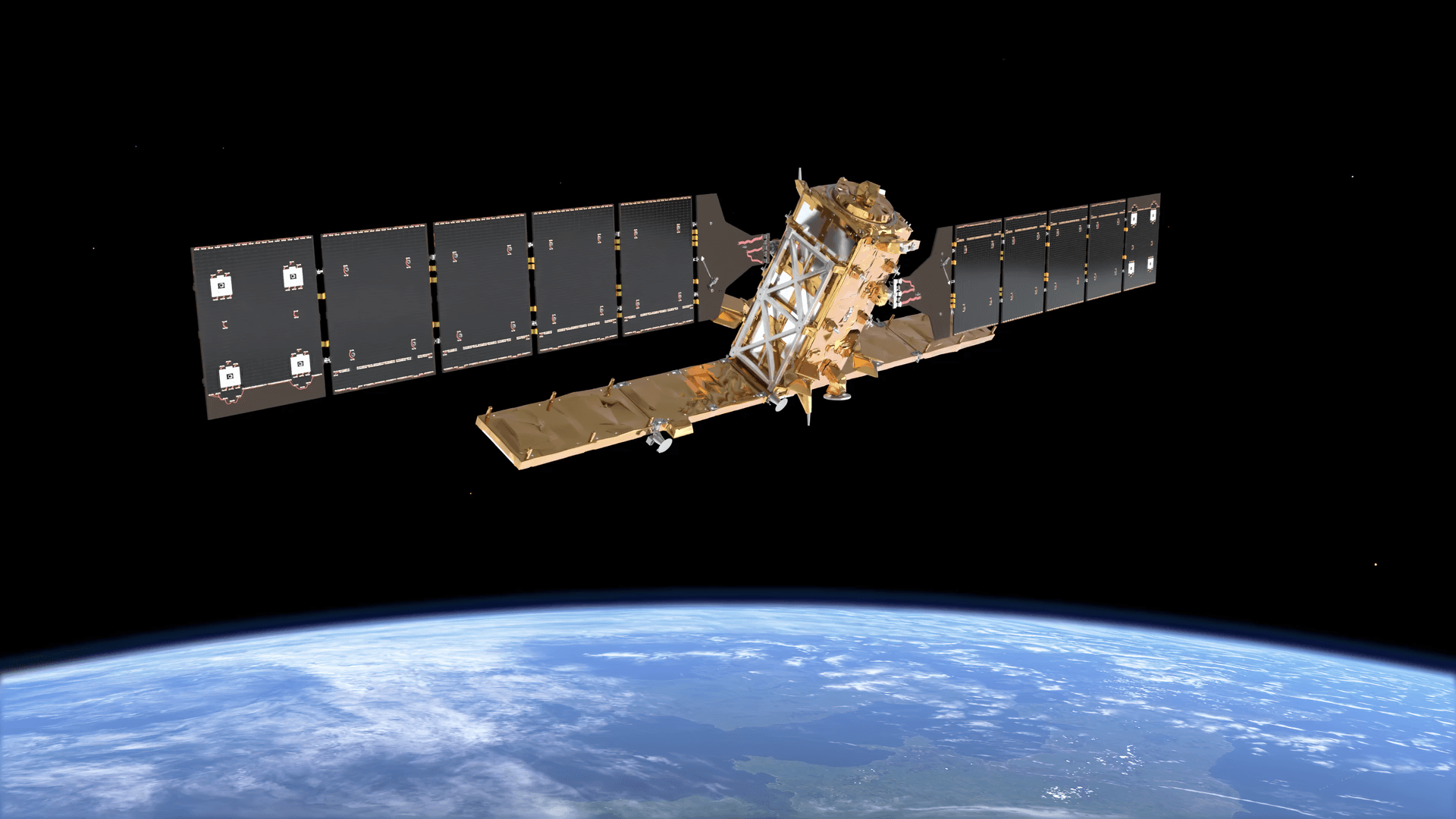
Ground control points are precisely surveyed locations on the earth’s surface with known coordinates. In any aerial or satellite mapping project, they serve as fixed reference anchors that tie captured imagery to real-world geographic positions. Without them, your map floats in space. With them, every pixel locks to a verified coordinate.
This guide covers what ground control points are, how they work across different survey methods, and where satellite imagery is beginning to replace the need for physical ground control entirely.
Quick Answer: What Is a Ground Control Point?
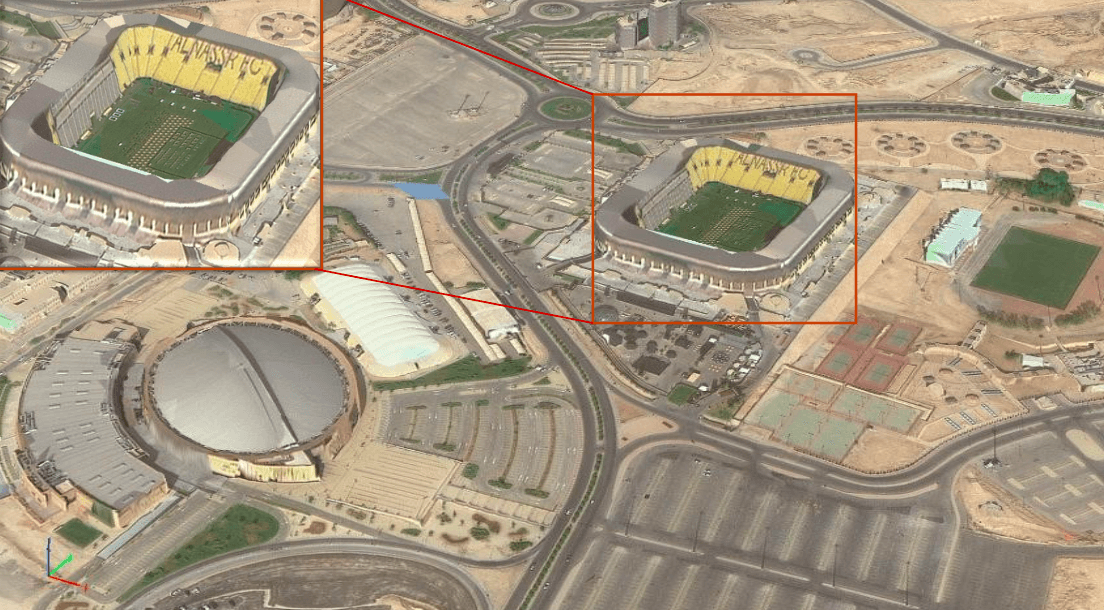
A ground control point (GCP) is a physical location on the ground with a precisely measured coordinate, typically captured using high-accuracy GPS or total station equipment. The coordinate is used during photogrammetric processing to align aerial or satellite imagery to a real-world coordinate system.
GCPs correct the positional drift that comes with standard GPS. A drone or aircraft GPS might place your survey 1 to 3 metres off from its actual position. A GCP brings that error down to centimetre level.
Ground Control Points Definition: The Core Concept
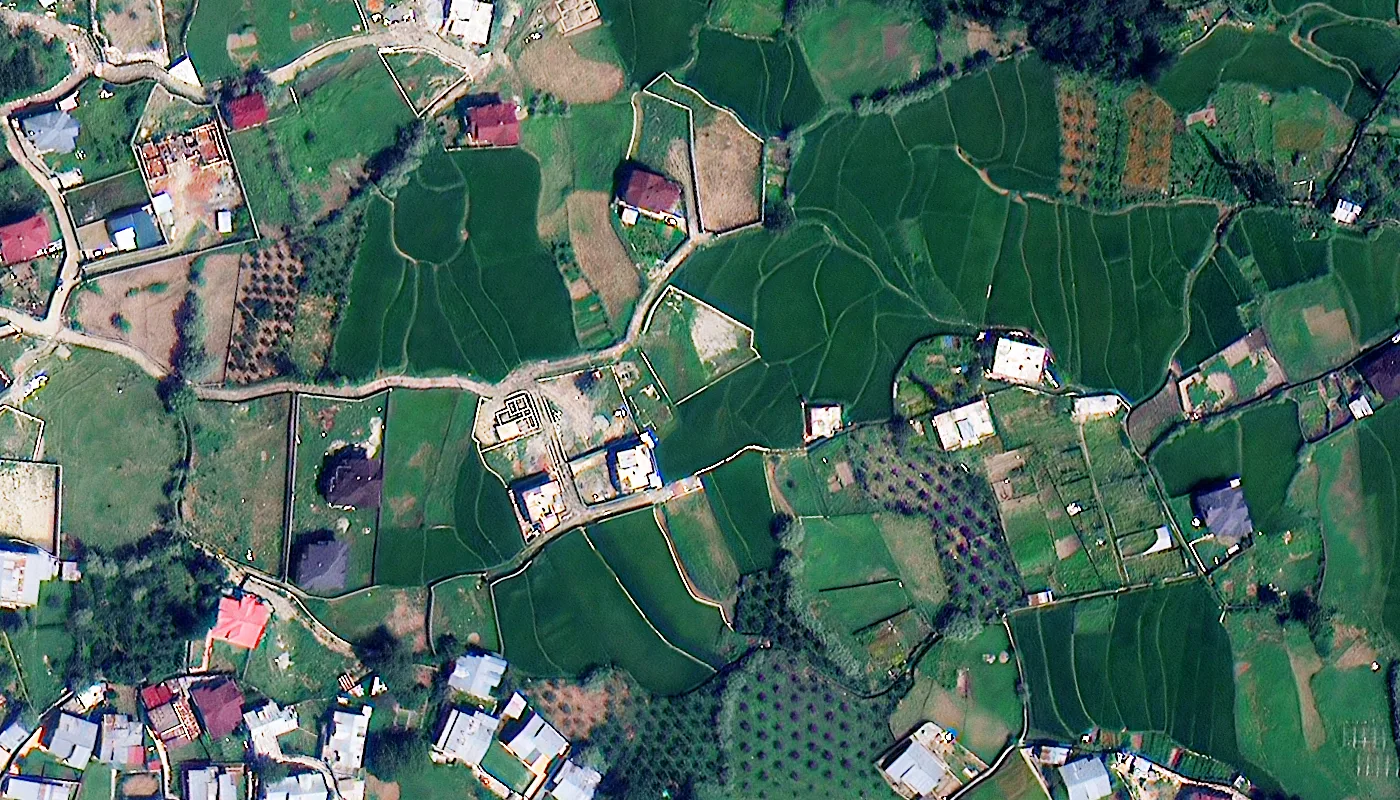
The ground control points definition used across surveying, photogrammetry, and remote sensing is consistent: a point on the earth’s surface with a known, verified coordinate used to georeference spatial data.
What changes between disciplines is the method of measurement, the marker type, and the tolerance required. A road infrastructure survey might need GCPs accurate to 2 centimetres. A regional vegetation mapping project might tolerate 50 centimetres. The definition stays the same. The precision requirement changes with the application.
Why GCPs Exist: The GPS Accuracy Problem
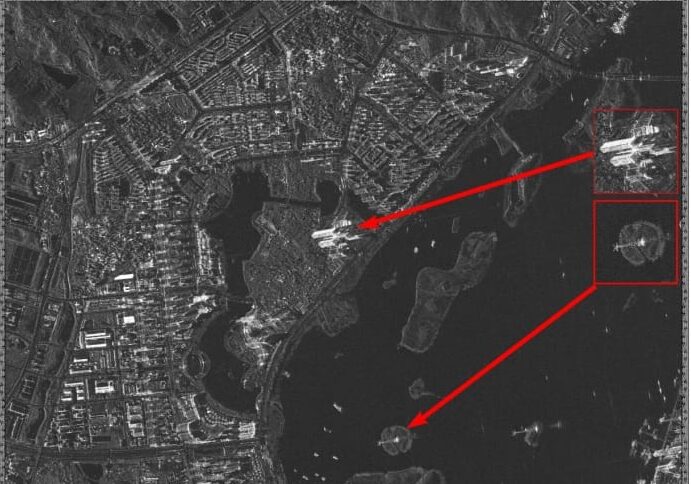
Standard GPS is accurate to 3 to 5 metres under good conditions. In a drone survey, that means your entire map could be offset from its true position by that margin. For a quick visual inspection, that is acceptable. For earthwork volume calculations, construction setout, or land boundary work, it is not.
GCPs solve this by giving the processing software fixed reference points with verified coordinates. The software uses those coordinates to warp and align the imagery until the GCP positions in the map match the measured positions on the ground. The rest of the map corrects around those anchors.
This process is called photogrammetric bundle adjustment. The GCPs constrain the solution, pulling the reconstructed model into alignment with real-world coordinates rather than just internal consistency.
What Does a Ground Control Point Look Like?
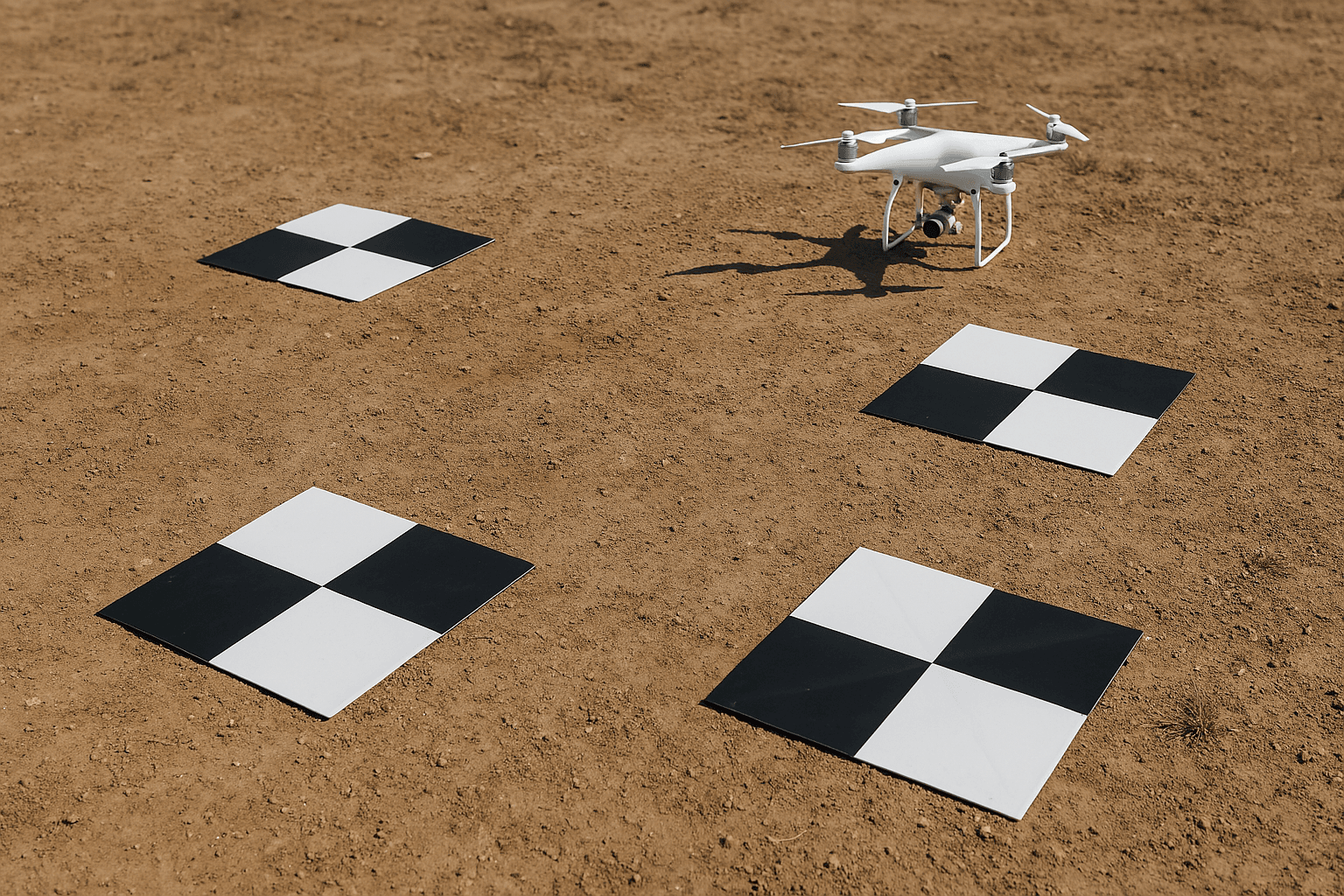
Physical GCP targets are almost always high-contrast black and white patterns, most commonly a checkerboard or cross design. The reason is practical: photogrammetry software needs to identify the exact centre of the target in multiple overlapping images. A checkerboard gives the algorithm an unambiguous intersection point. A spray-painted X does not. The “centre” of a painted X could fall anywhere within a 10-centimetre area, which is enough to degrade accuracy on a precision survey.
GCP targets need to be large enough to be clearly visible from the flight altitude. At 100 metres AGL, a 50 by 50 centimetre target is typically the minimum. At 200 metres, that grows to 80 centimetres or more.
Materials vary by project. Printed vinyl targets work well for short-term deployments. Painted concrete or asphalt markings are used for permanent control networks. Some survey teams use bright orange painted lumber or pre-cut plywood for temporary field use.
The target must lie flat on the ground. Tilted targets introduce parallax error because the target centre appears to shift position between images taken from different angles.
Survey Control Point vs. Ground Control Point

The terms survey control point and ground control point refer to related but distinct things.
A survey control point is a monumented point in the national or regional geodetic network. Its coordinates are established through precise geodetic surveys and published by national mapping agencies. In Australia that is GDA2020. In the UK it is OSGB36. In the US it is NAD83 or the newer NSRS. Survey control points are permanent, protected by law in many jurisdictions, and are the starting point for almost all local surveying work.
A ground control point is what you set on the ground for your specific project. You measure its position using GPS or a total station, with reference back to the nearest survey control point in the network. The survey control point provides the absolute framework. The GCP transfers that framework into your mapping area.
In practice, a surveyor establishes a local control point near the project area, occupies it with a GNSS receiver for an extended session to resolve the precise coordinate, and then uses that as the base for measuring the GCPs placed across the site.
Earth Points and the Coordinate Reference System
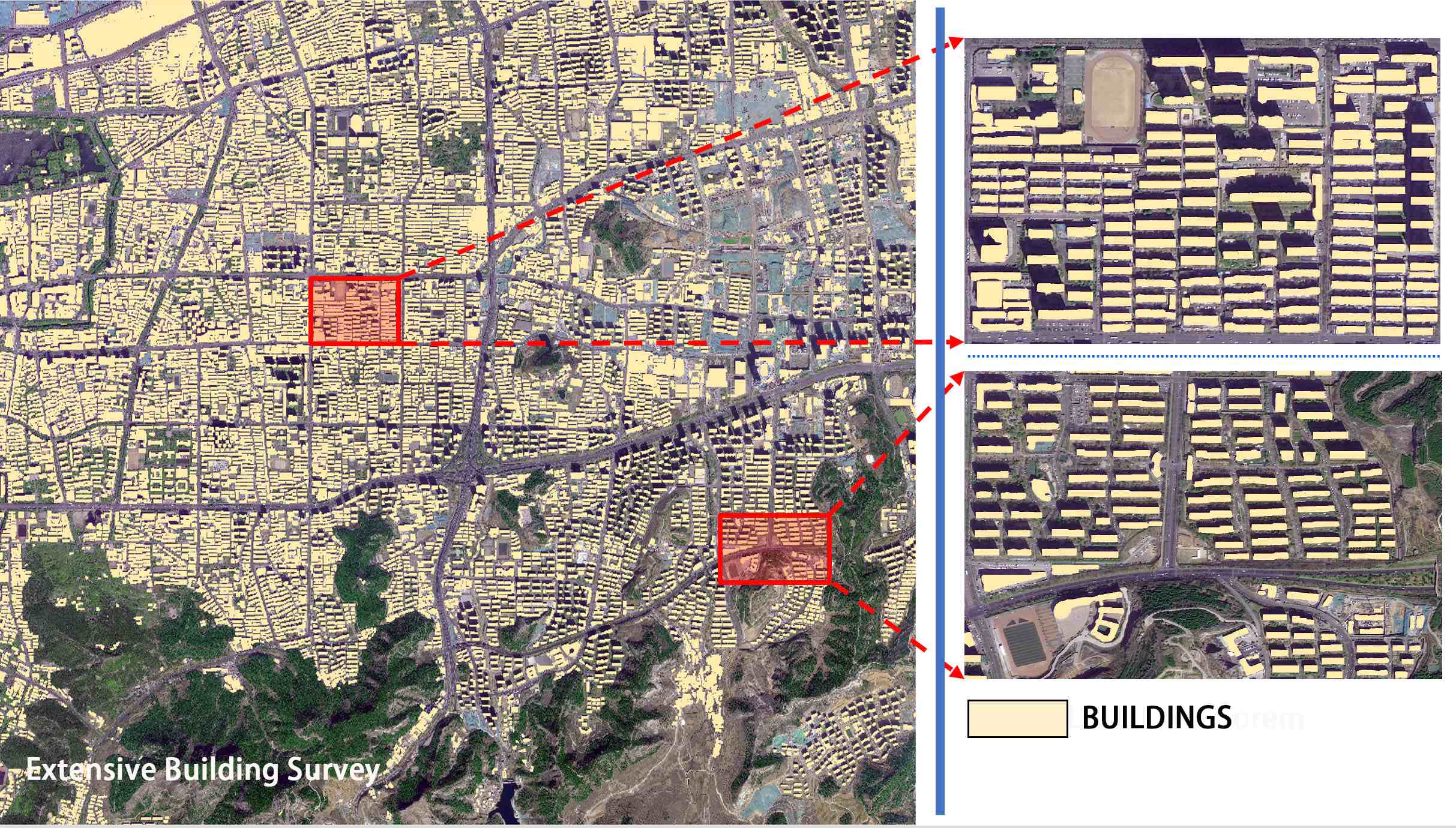
The term “earth points” is sometimes used to describe physical locations with known geodetic coordinates, particularly in satellite orbit and image processing documentation. In the context of ground control, earth points and ground control points describe the same thing: a location on the surface of the earth with a verified position in a defined coordinate reference system.
The coordinate reference system matters because coordinates are meaningless without one. A coordinate pair of 35.1367489, -114.1145621 is a specific location in Nevada only if you know those numbers are WGS-84 latitude and longitude. If someone hands you that coordinate in a local projected system without telling you which datum, you will place your point in the wrong location.
USGS Landsat GCPs use a coordinate system where both the X and Y map coordinates for the upper left pixel are multiples of 30 metres. Every corner coordinate for every band is divisible by 30 with no remainder. This is not accidental. It is a design requirement for consistent pixel alignment across the archive.
How Many Ground Control Points Do You Need?
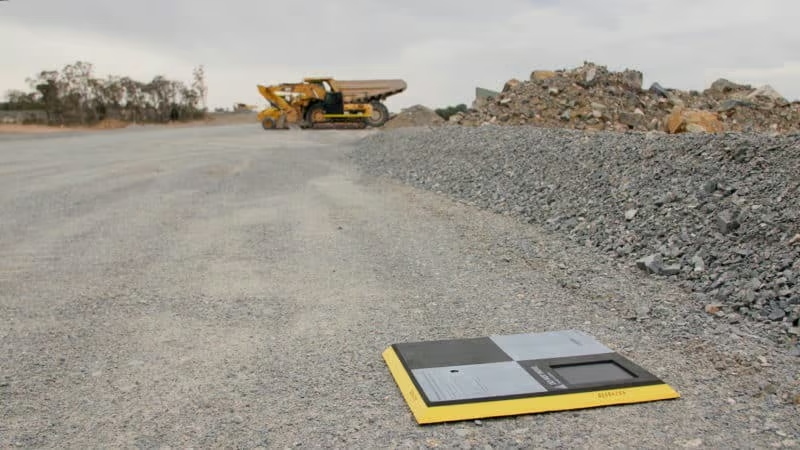
Most practitioners and independent studies agree on a similar answer: fewer than you think.
The Nevada Department of Transportation tested GCP density against root mean squared error in point cloud optimisation. Beyond 5 to 10 GCPs, additional points produced no meaningful accuracy improvement. The curve flattens quickly.
The recommended minimum is 5 GCPs. For a standard rectangular survey area, that means one at each corner and one near the centre. If the terrain has significant elevation variation, place GCPs at the top and bottom of major grade changes, not just at the boundary.
Placing GCPs in straight lines should be avoided. A line of control points does not constrain the model laterally. Spread them across the full extent of the survey area, including along the edges where positional error tends to be highest.
GCPs vs. Checkpoints: Not the Same Thing
GCPs and checkpoints are physically identical. They use the same type of target, measured with the same equipment, to the same accuracy standard. The difference is in how the data is used.
GCPs are loaded into the processing software and used to adjust the model. The software moves pixels around until the computed positions of the GCPs match the measured positions. This is an active correction.
Checkpoints are withheld from processing entirely. After the model is built using the GCPs, the checkpoint positions are compared against their measured coordinates. The difference between the model’s position and the measured position is the residual error. This is an independent quality check.
A map can look perfectly aligned and still be wrong if the GCPs used to build it contain errors. Checkpoints catch that. One checkpoint per GCP-controlled map is the recommended minimum.
Think of it this way: GCPs are the correction. Checkpoints are the proof that the correction worked.
Drone GCPs vs. Manual Survey: The Speed Problem
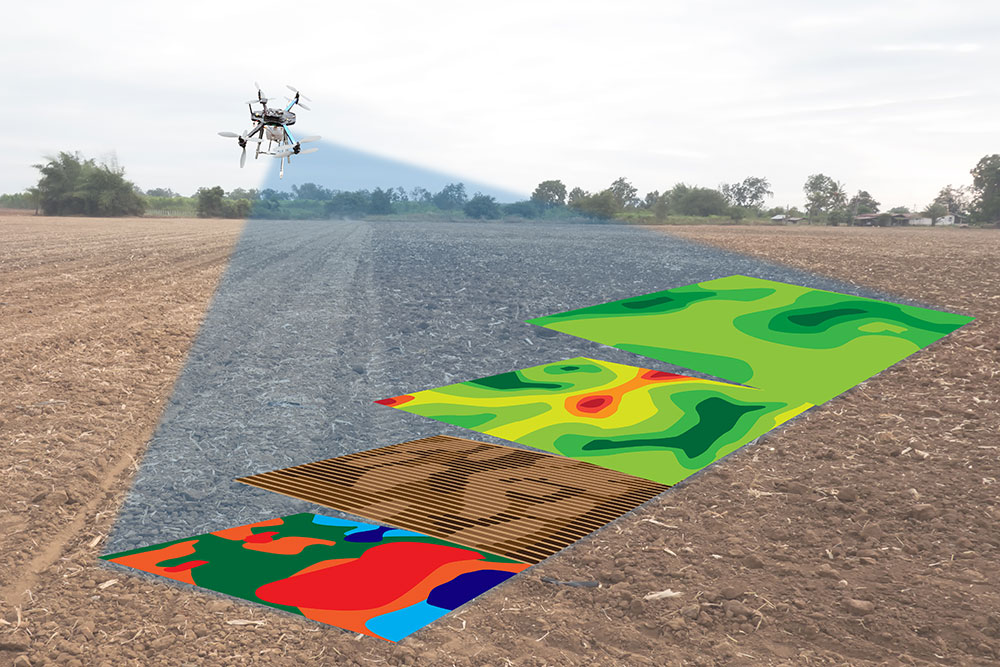
Traditional GCP surveys require a field crew to physically place and measure each target before the flight. On a 50-hectare site with 8 GCPs, that might take half a day for two people with GPS equipment. Add travel, setup, and data processing, and you are looking at a full day of field time before a single drone is launched.
For routine monitoring, change detection, or large-area surveys, that field time adds up. It also introduces risk. Targets can be moved, stolen, or rained on. GPS observation windows depend on satellite geometry. A crew working in a forest or urban canyon may not get the observation quality they need.
RTK and PPK drones have reduced the dependency on physical GCPs for many applications. An RTK-enabled drone logs a precise GNSS coordinate for every image at the moment of capture. When processing software uses those positions as control, the need for ground targets is significantly reduced or eliminated for projects where 5 to 10 centimetre accuracy is acceptable.
The key word is “reduced,” not “eliminated.” RTK accuracy depends on a stable base station signal. In remote areas, base station coverage is limited. Multipath interference from buildings or vegetation can degrade the onboard coordinate quality without any obvious warning.
Satellite Imagery and Ground Control Points: How XRTech Approaches Accuracy
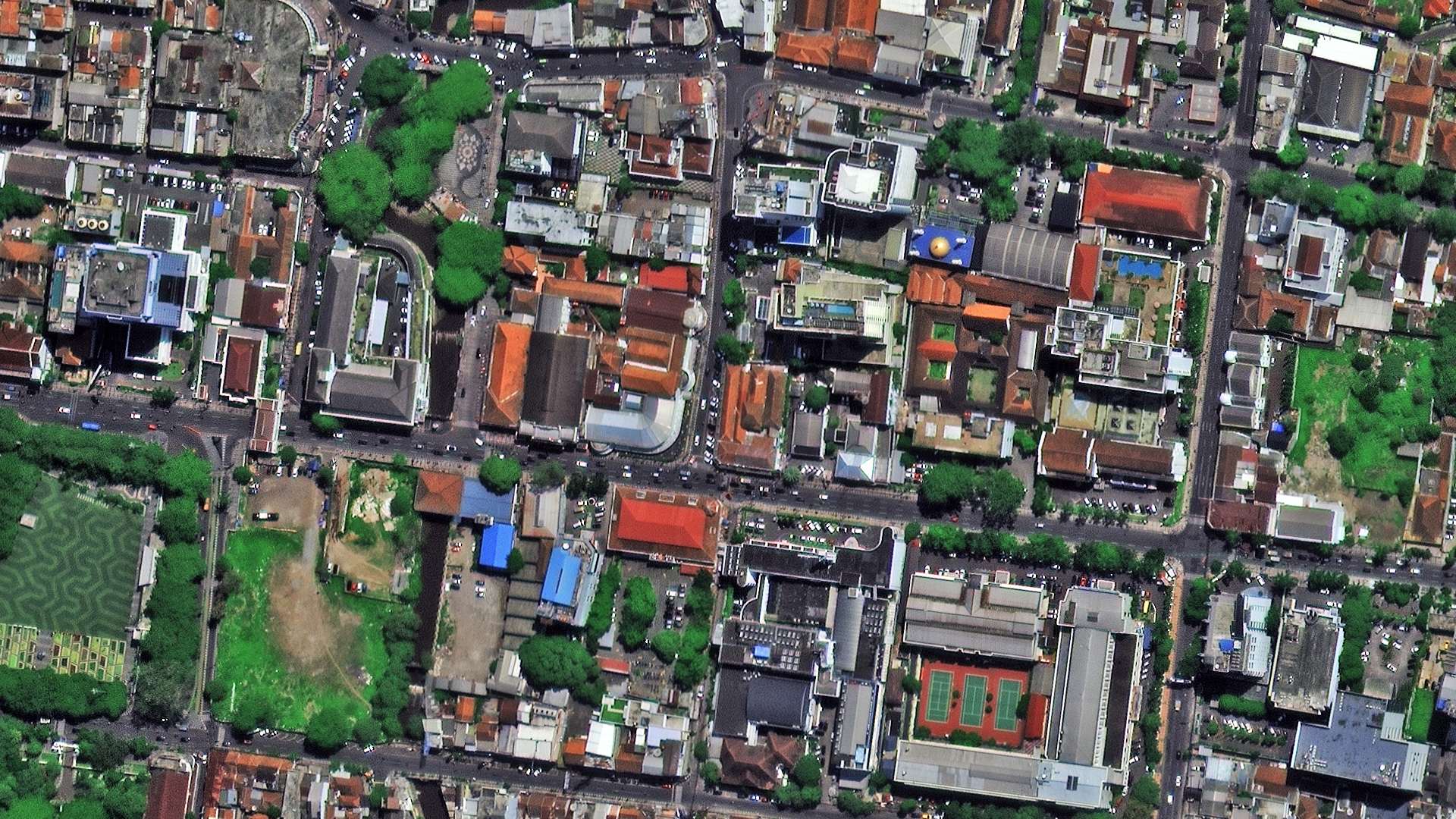
This is where satellite imagery changes the problem, and where XRTech Group’s approach differs from the drone-plus-GCP workflow.
Commercial very high resolution satellite imagery is captured from a defined orbital position with precisely modelled attitude and ephemeris data. The satellite knows where it is and which direction it is pointing at the moment of each image capture. That orbital geometry, combined with a rigorous sensor model, produces imagery that can be orthorectified to sub-metre absolute accuracy without physical ground targets.
XRTech delivers LEVEL2A orthorectified products. Orthorectification applies a terrain correction using a digital elevation model, removing the geometric distortion caused by terrain relief and sensor angle. The result is an image where every pixel is in its correct geographic position based on the sensor model and the DEM, not on physical GCPs placed by a field crew.
For many applications, this is accurate enough and far faster. An XRTech archive imagery order for a site in a remote location delivers in 48 hours with no field work required. A drone GCP survey of the same area might take days to plan and execute, assuming a crew can even access the site.
Where ground control does still apply to satellite-based workflows is in the highest-accuracy engineering and cadastral applications where centimetre-level absolute accuracy is required. In those cases, a small number of precisely measured check points can be used to validate the satellite product. But the field work required is a fraction of what a full drone GCP survey demands.
The comparison across methods looks like this: